introducing the timer blok
Published Feb 10, 2025
hi,
picture this:
you just got to your desk and are about to study or get some work done.
> laptop? check. > headphones? in. > favorite beverage? right beside you.
all is good — except, you’re 1 notification away from losing focus.
or worse: you pick up your phone for a “quick check” and suddenly realize you’ve wasted the past 20 minutes scrolling the all-mighty algo's.
what if you could make distracting apps completely inaccessible during focus time?
introducing the blok timer:
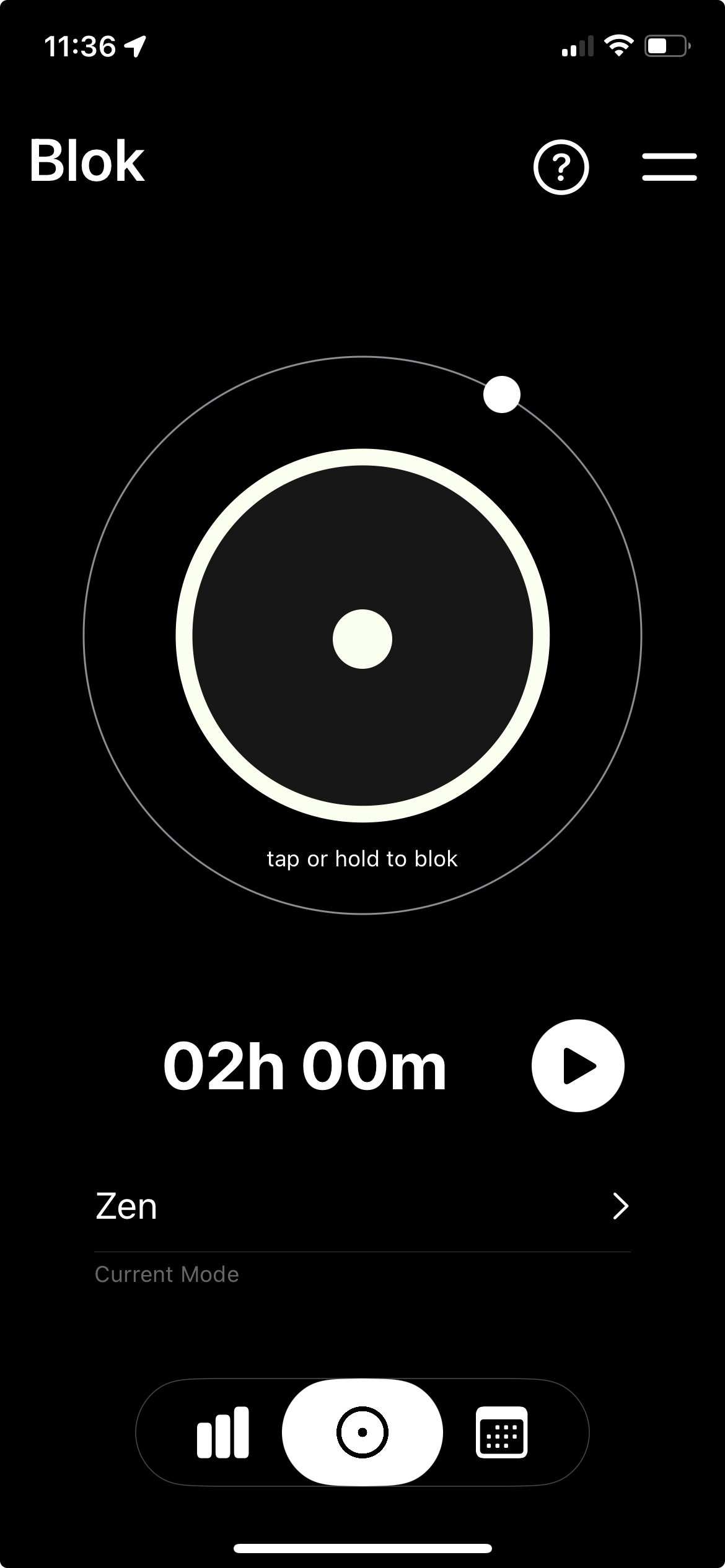
1. set the focus duration 2. start the timer 3. get in the zone
it's different from regular bloking because you're unable to unblok until the timer ends (unless you use an emergency unblok, ofc).
it’s already live on the app store.
enjoy :).
as always, i’m one reply away from any comment or feedback you might have.
k bye, dani